Sale Price:
£5.99
Original Price:
£12.99
🚨 LAUNCH WEEK DISCOUNT APPLIED - £5.99 - LIMITED TIME OFFER 🚨
One preset. One click. Better iPhone photos.
You don’t need 100 different presets to edit your iPhone photos.
I created this preset to give your iPhone ProRAW photos a strong, polished starting point in just one click. Whether you’re shooting travel, street, architecture, food or everyday moments, it’s designed to bring out the colour, contrast and character already captured in your iPhone photos without making them look over-edited.
Rather than overwhelming you with dozens of filters you’ll never use, I’ve kept things simple: one versatile preset that you can use as the foundation for your iPhone photography.
What’s Included:
01 | iPhone Preset: Built specifically for Apple ProRAW photos, this preset is designed to create a clean, warm and naturally vibrant look while retaining the detail and colours captured by your iPhone. Apply it with one click, then make a few simple adjustments depending on the photo.
02 | The iPhone Preset Guide: More than just a preset, this guide shows you exactly how I approach editing my iPhone photos. It includes installation instructions, my essential editing settings and tips for adjusting the preset to suit different lighting, subjects and shooting conditions. The goal is to help you understand why you’re making each adjustment, so you can eventually develop your own editing style.
One Click. Then Make It Yours.
No preset can perfectly edit every photo straight out of the box. Lighting, exposure and colours will always vary.
That’s why this preset is designed as a starting point, not a finished filter. Apply it in one click, make a few small adjustments using the included guide, and you’ll have a consistent look across your iPhone photos without spending ages editing every image from scratch.
Future-Proof: If I ever update this preset or add variations to the pack in the future, your one-time purchase guarantees you access to all future additions at no extra cost.
Important Details & Compatibility:
Software: Compatible with Lightroom Classic and Lightroom Mobile. (Note: These were designed for the premium/paid versions. If using the free mobile app, please ensure your version supports DNG preset installation).
Camera Files: This preset was specifically built and optimised for Apple ProRAW iPhone photos. It can be used on other RAW files or JPEGs, but the results may vary and additional adjustments may be required.
ProRAW Recommended: For the best results, shoot in Apple ProRAW. The additional image data gives you much more flexibility when adjusting exposure, highlights, shadows and colour compared with a standard JPEG or HEIF file.
Exposure: I purposely leave the Exposure setting undefined. Every photo is shot in different lighting conditions, so this is one adjustment you'll need to make yourself depending on the image.
Terms of Use & Copyright: By purchasing this pack, you are granted a single-user license for personal and professional use on your own images. You may not share, redistribute or resell this preset or the accompanying guide under any circumstances. Furthermore, you are strictly prohibited from tweaking, modifying or altering this preset to resell or distribute it as your own digital product. Thank you for respecting the time and work that went into creating this!
One preset. One click. A better starting point for your iPhone photos.
Built for ProRAW. Designed to save you time. Created to help you develop your own editing style.
🚨 LAUNCH WEEK DISCOUNT APPLIED - £5.99 - LIMITED TIME OFFER 🚨
One preset. One click. Better iPhone photos.
You don’t need 100 different presets to edit your iPhone photos.
I created this preset to give your iPhone ProRAW photos a strong, polished starting point in just one click. Whether you’re shooting travel, street, architecture, food or everyday moments, it’s designed to bring out the colour, contrast and character already captured in your iPhone photos without making them look over-edited.
Rather than overwhelming you with dozens of filters you’ll never use, I’ve kept things simple: one versatile preset that you can use as the foundation for your iPhone photography.
What’s Included:
01 | iPhone Preset: Built specifically for Apple ProRAW photos, this preset is designed to create a clean, warm and naturally vibrant look while retaining the detail and colours captured by your iPhone. Apply it with one click, then make a few simple adjustments depending on the photo.
02 | The iPhone Preset Guide: More than just a preset, this guide shows you exactly how I approach editing my iPhone photos. It includes installation instructions, my essential editing settings and tips for adjusting the preset to suit different lighting, subjects and shooting conditions. The goal is to help you understand why you’re making each adjustment, so you can eventually develop your own editing style.
One Click. Then Make It Yours.
No preset can perfectly edit every photo straight out of the box. Lighting, exposure and colours will always vary.
That’s why this preset is designed as a starting point, not a finished filter. Apply it in one click, make a few small adjustments using the included guide, and you’ll have a consistent look across your iPhone photos without spending ages editing every image from scratch.
Future-Proof: If I ever update this preset or add variations to the pack in the future, your one-time purchase guarantees you access to all future additions at no extra cost.
Important Details & Compatibility:
Software: Compatible with Lightroom Classic and Lightroom Mobile. (Note: These were designed for the premium/paid versions. If using the free mobile app, please ensure your version supports DNG preset installation).
Camera Files: This preset was specifically built and optimised for Apple ProRAW iPhone photos. It can be used on other RAW files or JPEGs, but the results may vary and additional adjustments may be required.
ProRAW Recommended: For the best results, shoot in Apple ProRAW. The additional image data gives you much more flexibility when adjusting exposure, highlights, shadows and colour compared with a standard JPEG or HEIF file.
Exposure: I purposely leave the Exposure setting undefined. Every photo is shot in different lighting conditions, so this is one adjustment you'll need to make yourself depending on the image.
Terms of Use & Copyright: By purchasing this pack, you are granted a single-user license for personal and professional use on your own images. You may not share, redistribute or resell this preset or the accompanying guide under any circumstances. Furthermore, you are strictly prohibited from tweaking, modifying or altering this preset to resell or distribute it as your own digital product. Thank you for respecting the time and work that went into creating this!
One preset. One click. A better starting point for your iPhone photos.
Built for ProRAW. Designed to save you time. Created to help you develop your own editing style.
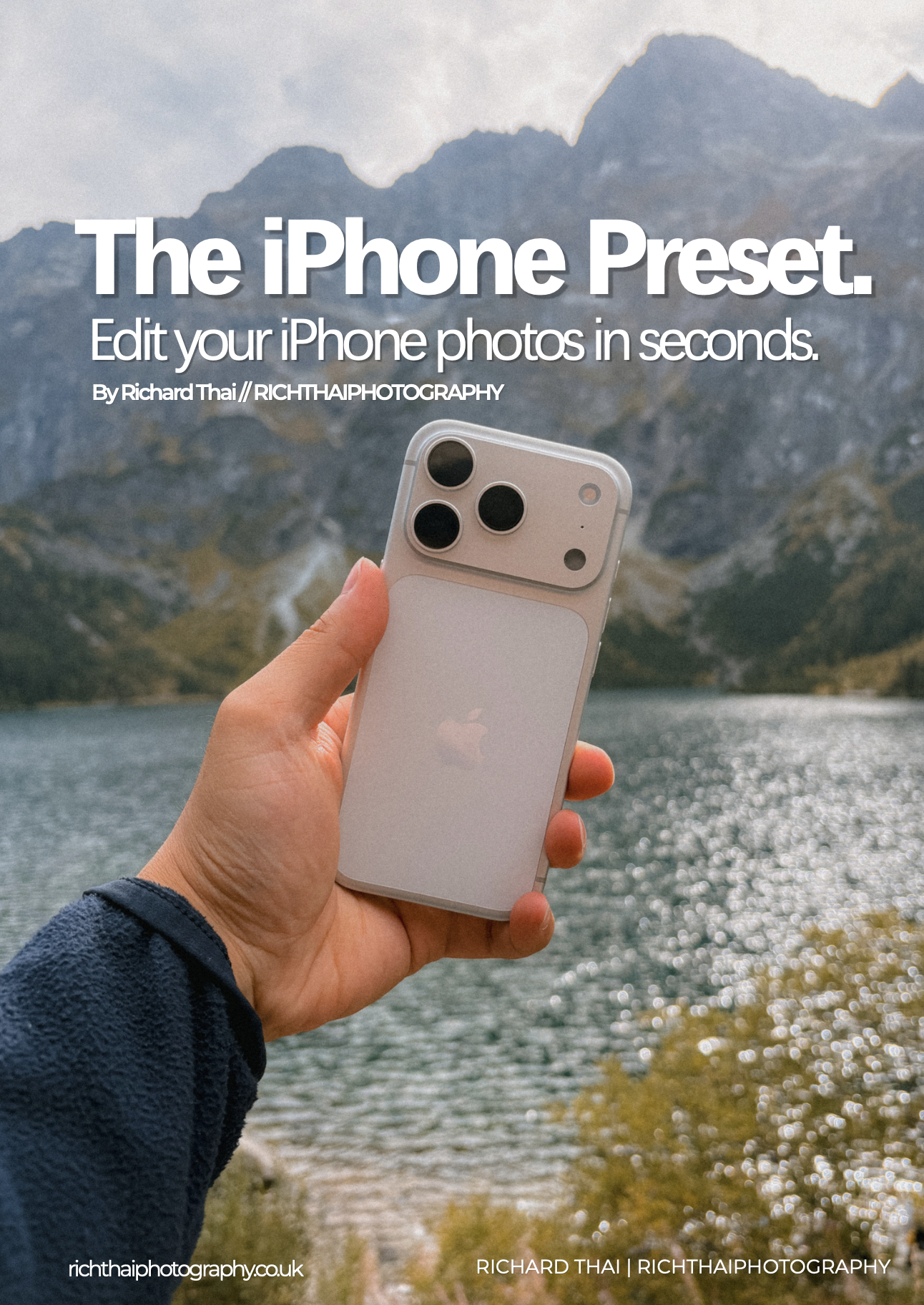 Image 1 of 7
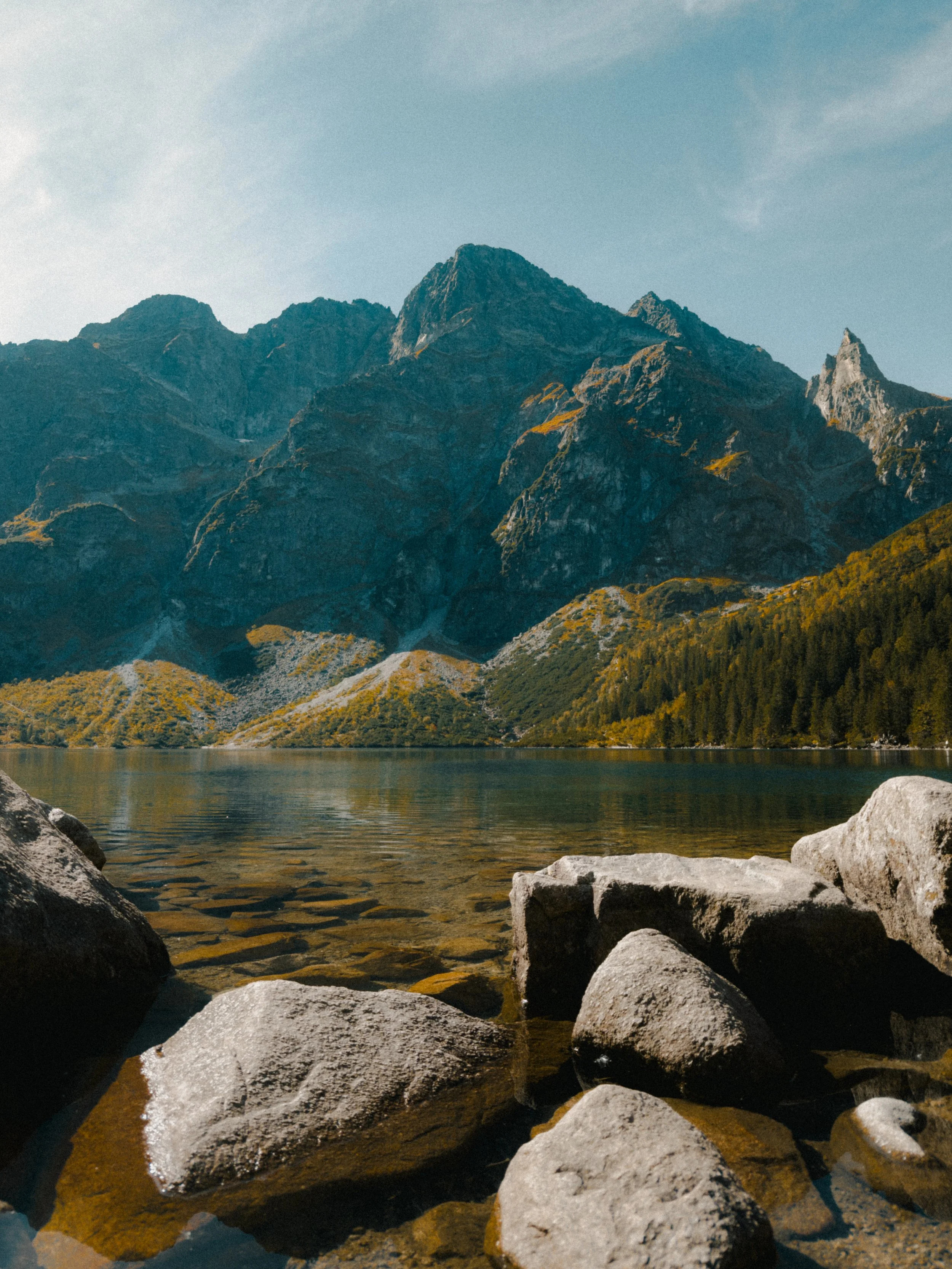 Image 2 of 7
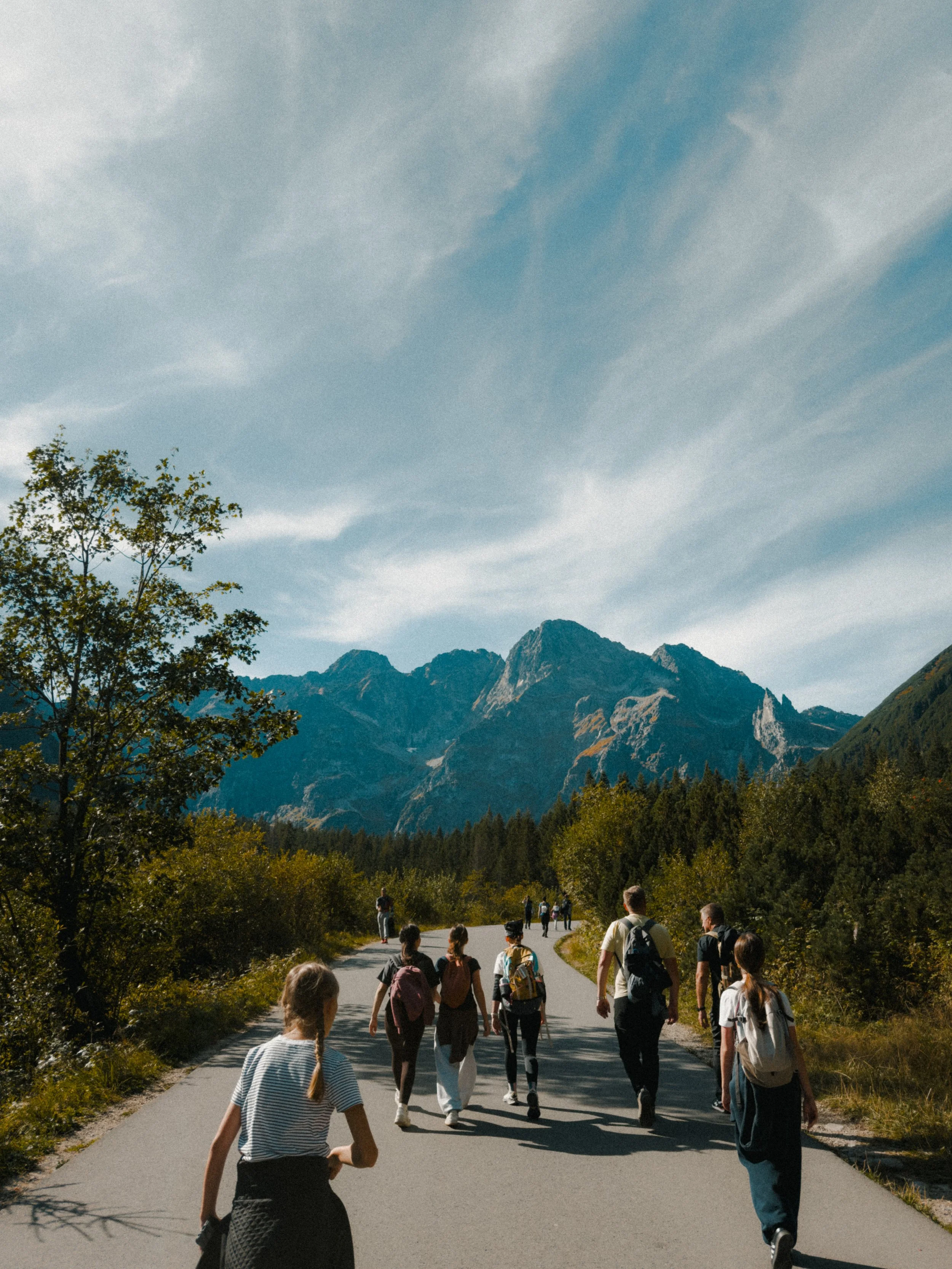 Image 3 of 7
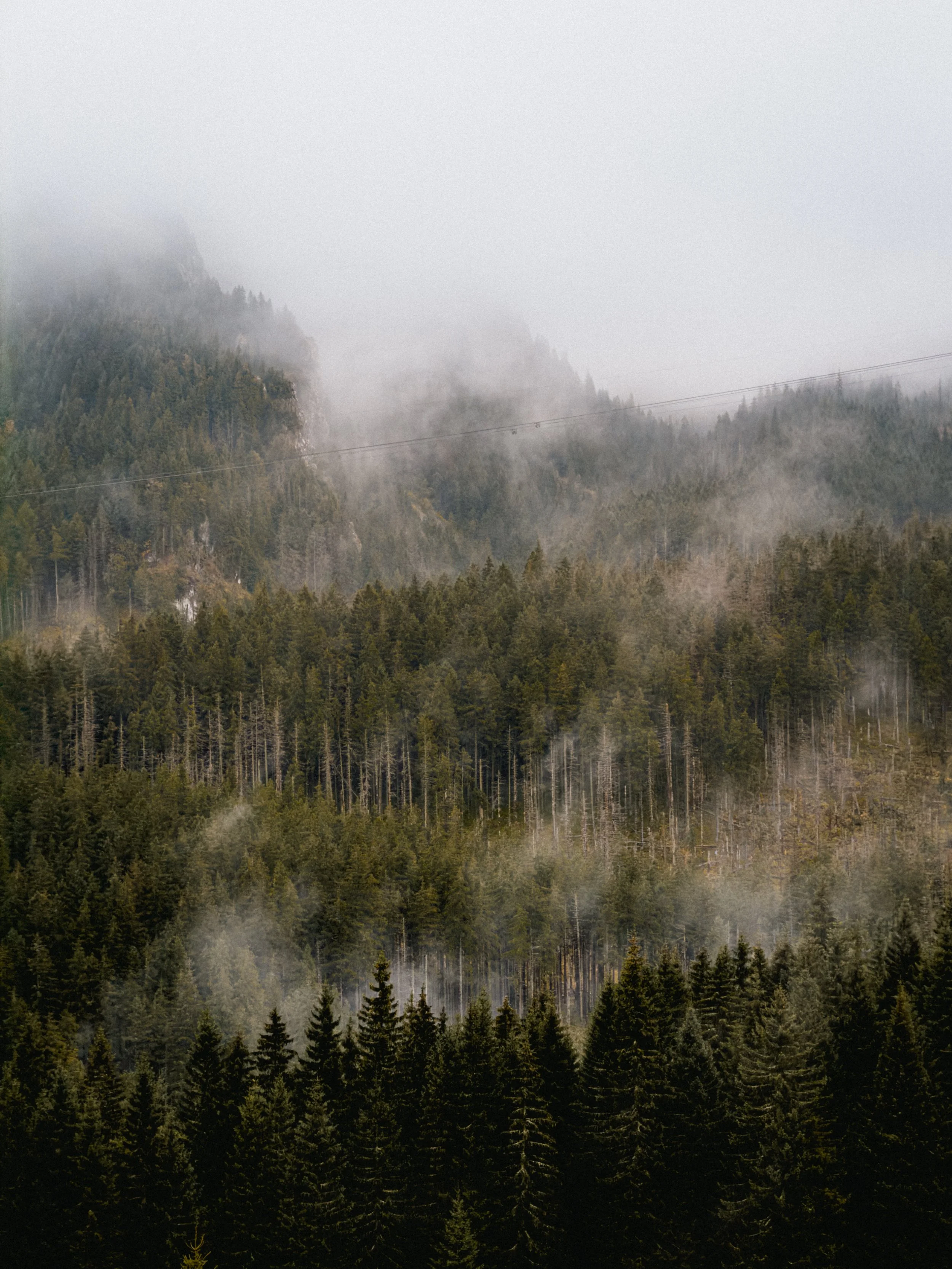 Image 4 of 7
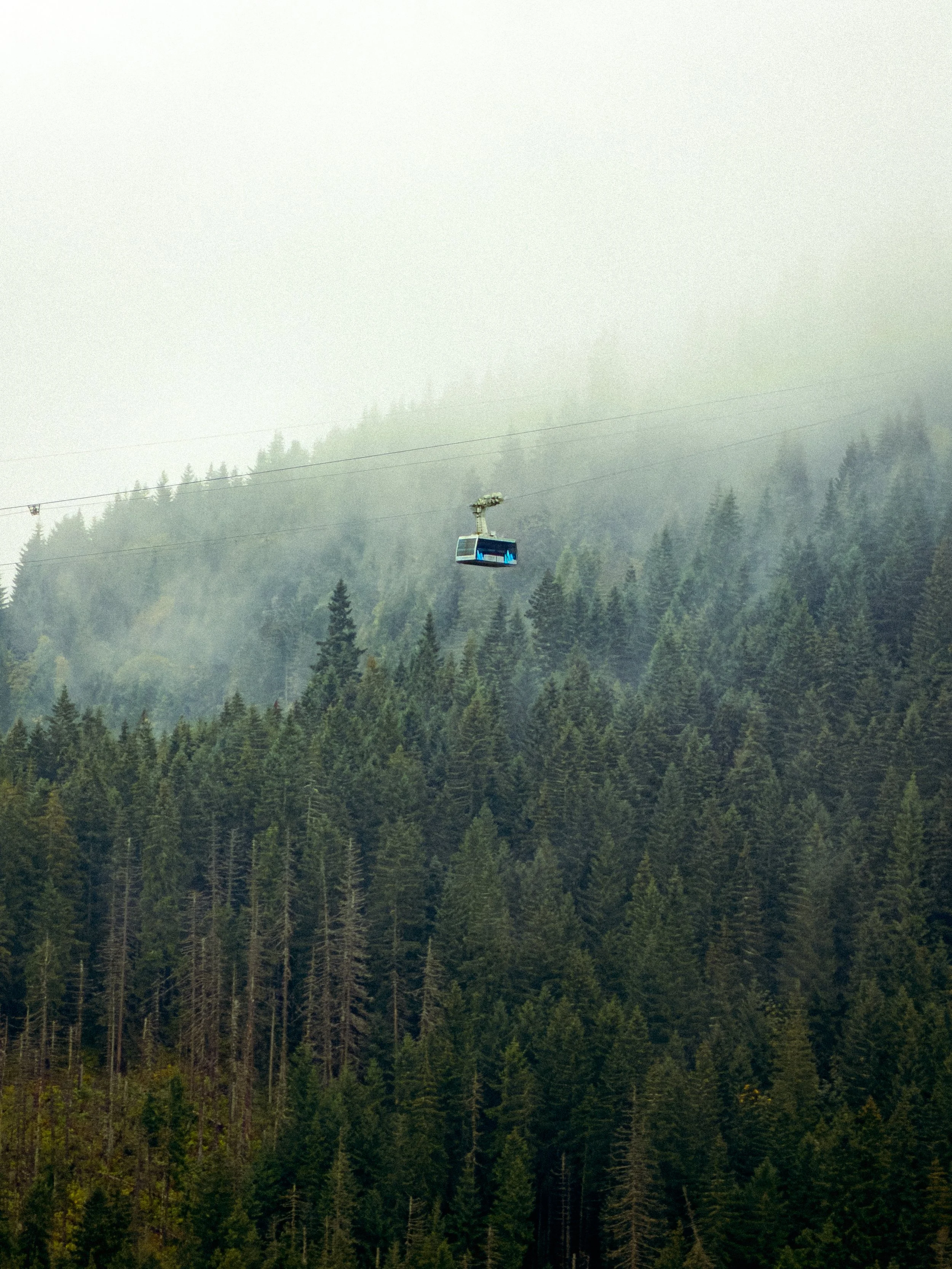 Image 5 of 7
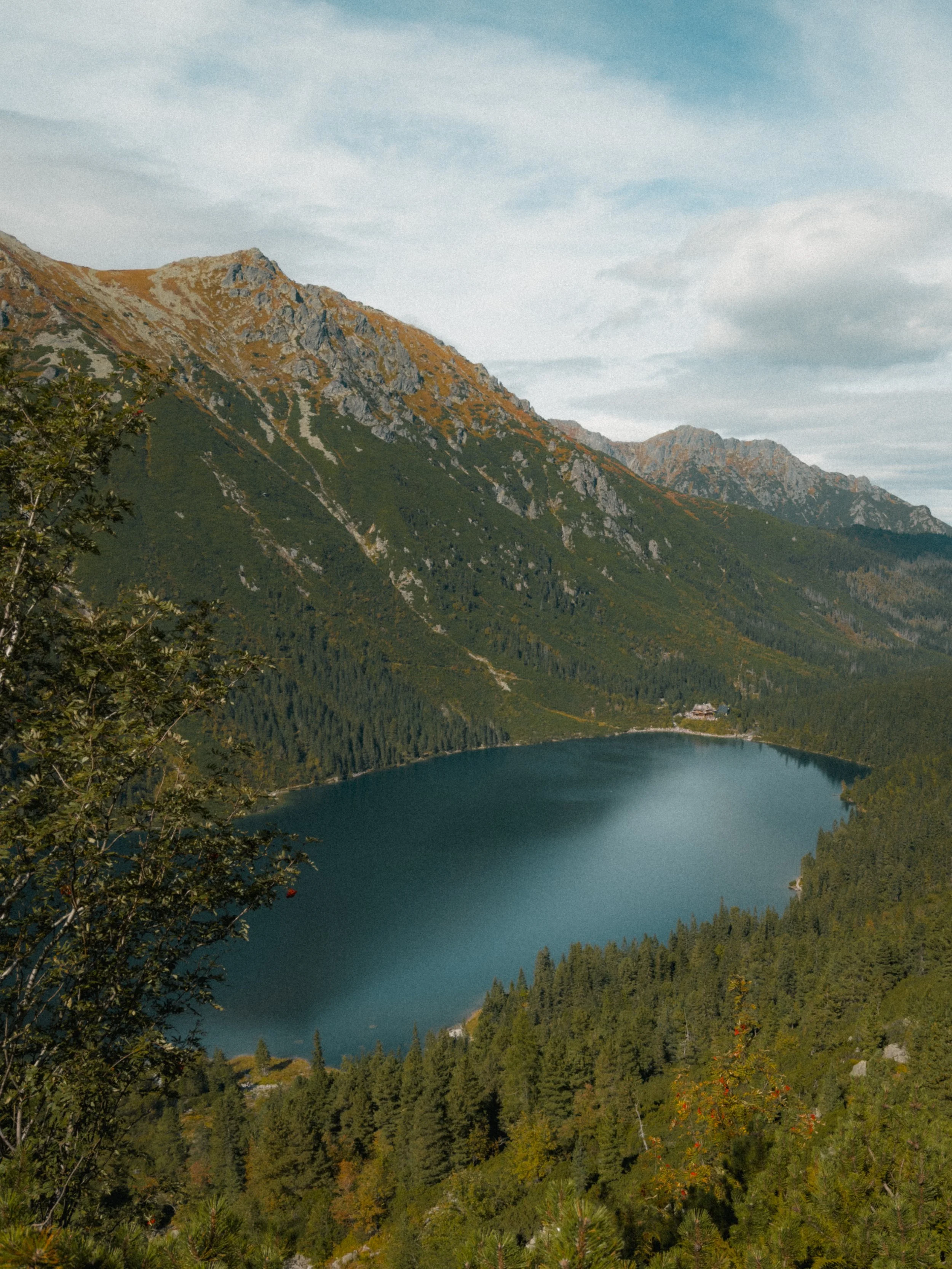 Image 6 of 7
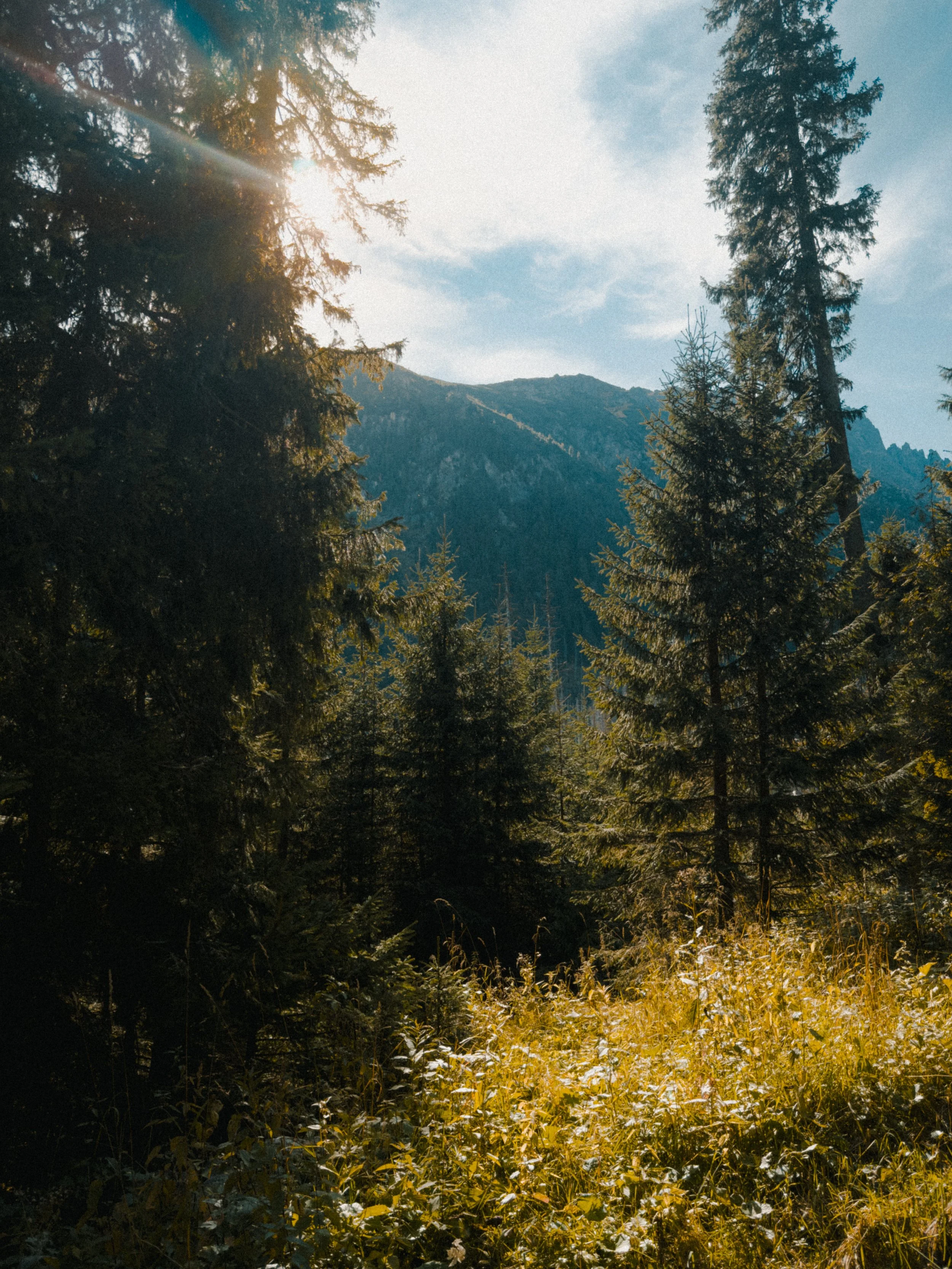 Image 7 of 7